
Feature Deep Dive
Payroll: Built In, Not Bolted On
There is no export step and no second system to reconcile against. The hours a face match verified are the hours payroll runs on, inside FaceBioTime, all the way to a payslip you can hand over.
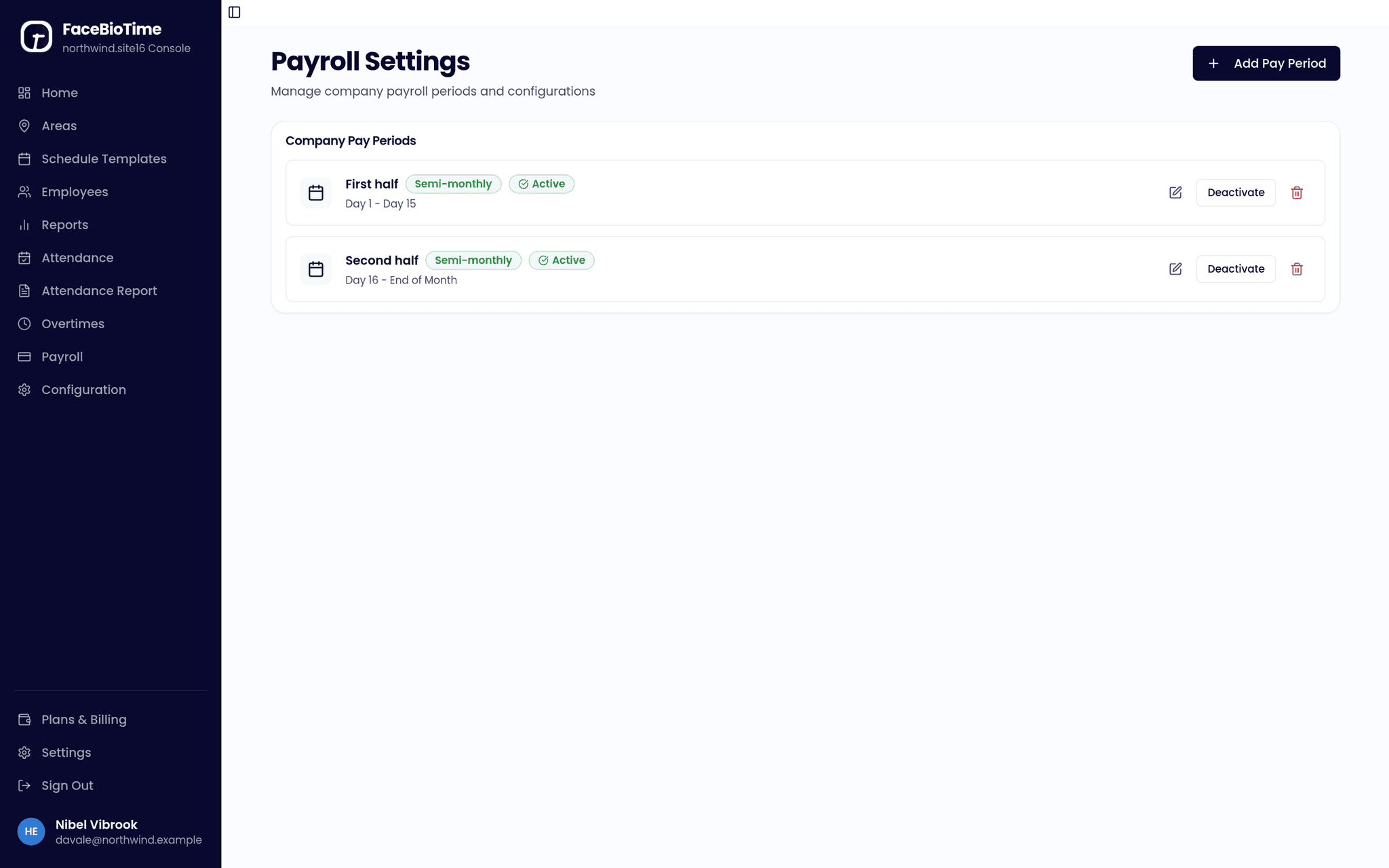
How a pay run works
Set your pay periods — monthly, semi-monthly, or whatever cycle you run — and define the allowances and deductions that apply, either across the company or per employee. When the period closes, generate a batch. FaceBioTime reads the attendance already on file, applies the schedule, the approved overtime and each employee’s allowances and deductions, and produces a payslip per person.
Payslips print from the browser or save as PDF, so an employee can be handed one on paper or sent one by email. Every line traces back to entries that carry a face match, a photo and, where the device shared it, the coordinates the punch was made at.
To be clear about scope: FaceBioTime does not currently push data into an outside payroll product such as an HRIS or an accounting package, and there is no payroll API. If you already run payroll elsewhere and want the two connected, tell us — it helps us decide what to build next.
Benefits and pros
Nothing is re-keyed
Attendance and payroll are the same records. There is no file to move between systems and no chance of the two disagreeing.
Allowances and deductions
Define them once at company level or set them per employee, and every batch picks them up automatically.
Overtime only when approved
Overtime is requested, approved or rejected by a manager, and only approved hours reach a payslip.
Payslips people can keep
Print from the browser or save as PDF, itemised so an employee can see how the figure was reached.
Related reads
Set it up once
Pay periods, allowances and deductions are configured once and apply to every batch after that. Changing a policy changes the next run, not the ones already issued.
Simplify your next pay run
Walk through your payroll workflow with our team and see where we can automate the biggest time sinks.